We're sunsetting our legacy Vibrant America Portal to bring you the best Vibrant ordering experience. You’ll immediately benefit from the new portal, and even more beneficial features are in the works.
Time to Switch from the Vibrant America Portal to the New Vibrant Wellness Portal
Important Notes:
- Your data and service will remain unaffected
- Your Vibrant America Portal credentials will automatically work in the new Vibrant Wellness Portal
Benefits of the New Vibrant Wellness Portal
Improved Experience
- Cloud-based
- Increased security
- More efficient experience
- 99.95% uptime
- Personalized patient reports
Improved Practice Management
- New admin roles
- Optional practice wide settings
- Shared practice shortcut bundles
- Manage all providers and their patients in your practice
- Practice wide reporting
- Increase efficiency with automation
Making the Switch
When you log in to the new Vibrant Wellness Portal for the first time using your individual Vibrant America Portal credentials, you will be asked to enter your email. You will have the same permissions as your Vibrant America Portal, known as a Provider role in the new Vibrant Wellness Portal. If you are logging in with credentials from a Vibrant America Clinic Account previously assigned by our support team you will be logged in as a Practice Admin.
There must be at least one Practice Admin in your practice to get the benefits of practice wide settings, shortcuts, reporting and patient management. If no one in your practice is assigned the Practice Admin role in the Profile Control Panel, please contact support to indicate which user should be the first admin for your practice.
Once the first Practice Admin is assigned, this admin may change the role permissions of other providers in the practice to assign multiple Practice Admins.
Read More About Roles and Permissions
Frequently asked questions
Will all of my data from the old portal transfer to the new portal?
What is the difference between the Vibrant America (old) Portal and the Vibrant Wellness (new) Portal?
How do I reset my password?
What are permission roles in the new portal?
Do I need to change my bookmark?
How do I add providers to my practice?
What if my practice does not have a Practice Admin role?


Find a Provider- Take Control of Your Health
Connect with a provider to access Vibrant Wellness specialty tests and personalized insights that support your long-term health.
Related Articles
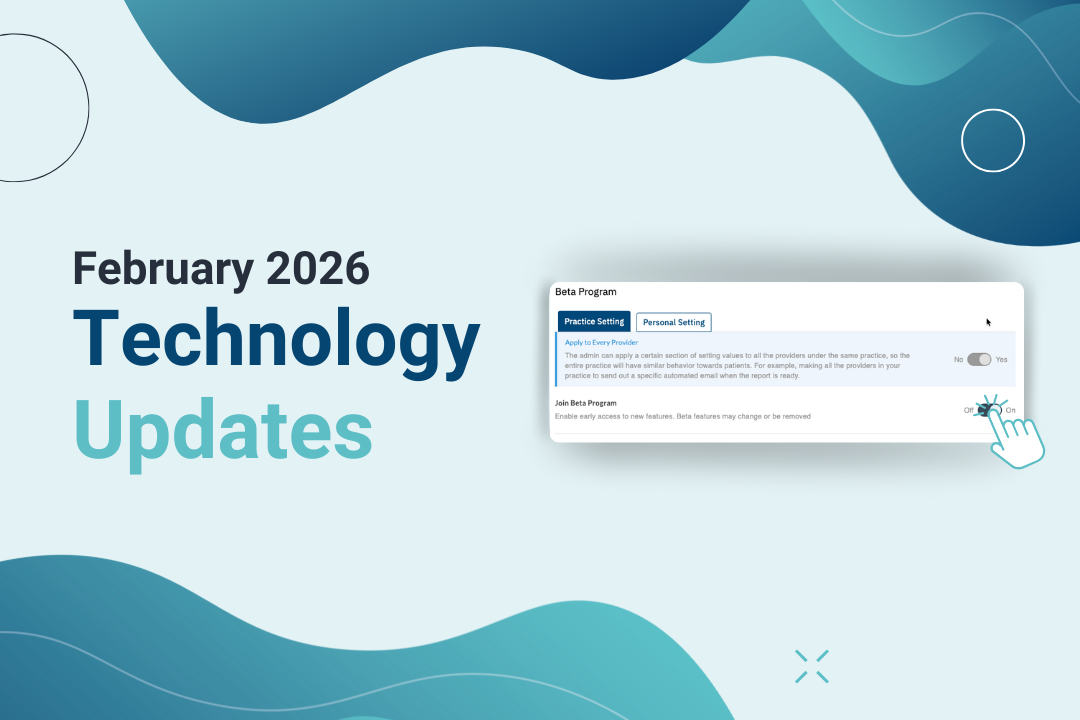
Vibrant technology is built to help practices work more efficiently, surfacing meaningful practice and patient insights, and ultimately delivering stronger pati...


Check out the new Vibrant Wellness Provider Ordering Portal updates for August 2024.
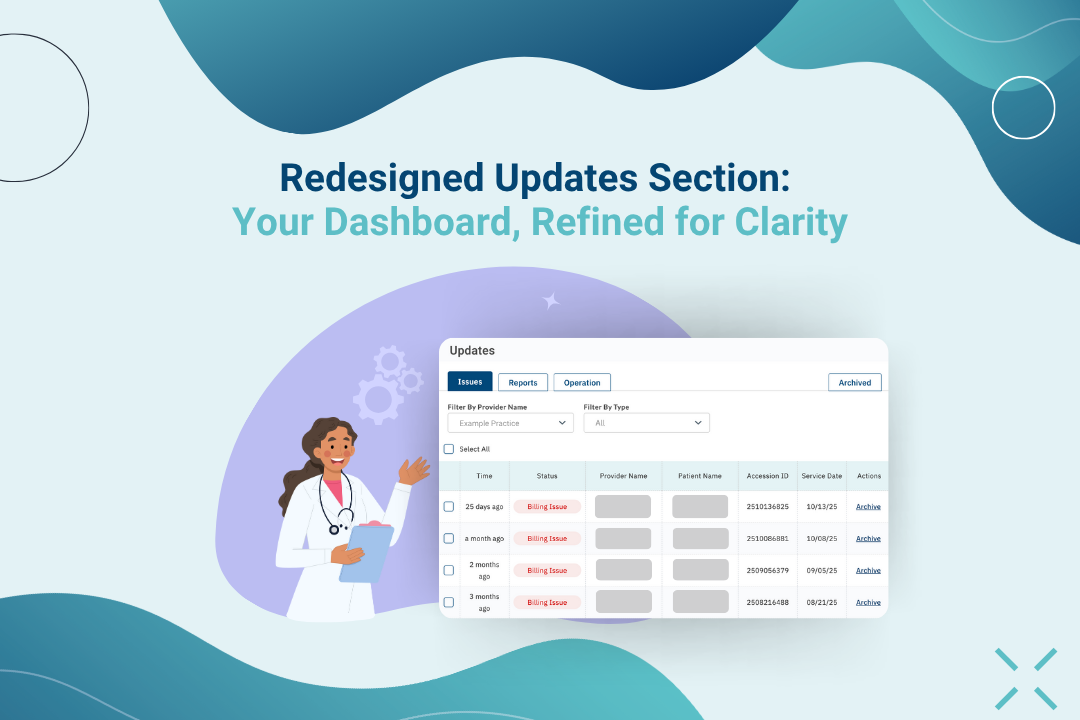
Your Dashboard, Refined for Clarity